A lot of websites have embedded YouTube videos on them. Up until a few years ago, you were able to select “remove related videos” when creating the video embed script; this would disable the related videos from showing up in your embedded video when the video was paused or finished.
But then YouTube disabled this ability in the embed script creation process. So now, when you create an embed script for a video on YouTube, you’ll see 3 related videos when you play the embedded video and pause it. Like you can see in the screenshot below.
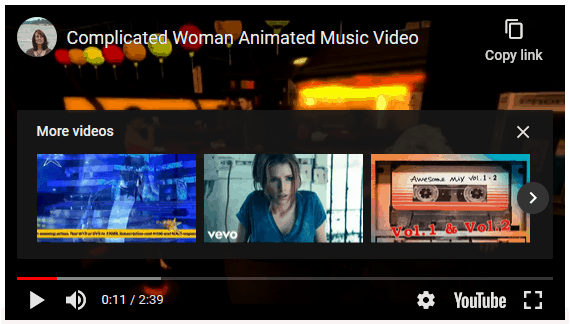
But by adding “?rel=0” to the end of the YouTube video URL you can still disable related videos in the videos that you embed.

So now, when you pause the video, or when it’s finished, the “More Videos” part with suggested videos is gone. 🙂
See?
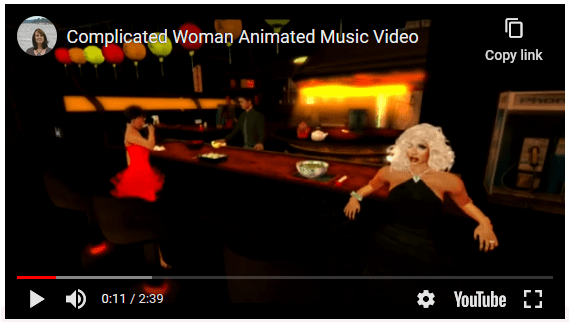
It’s good to know that this still works in 2020!